Riser
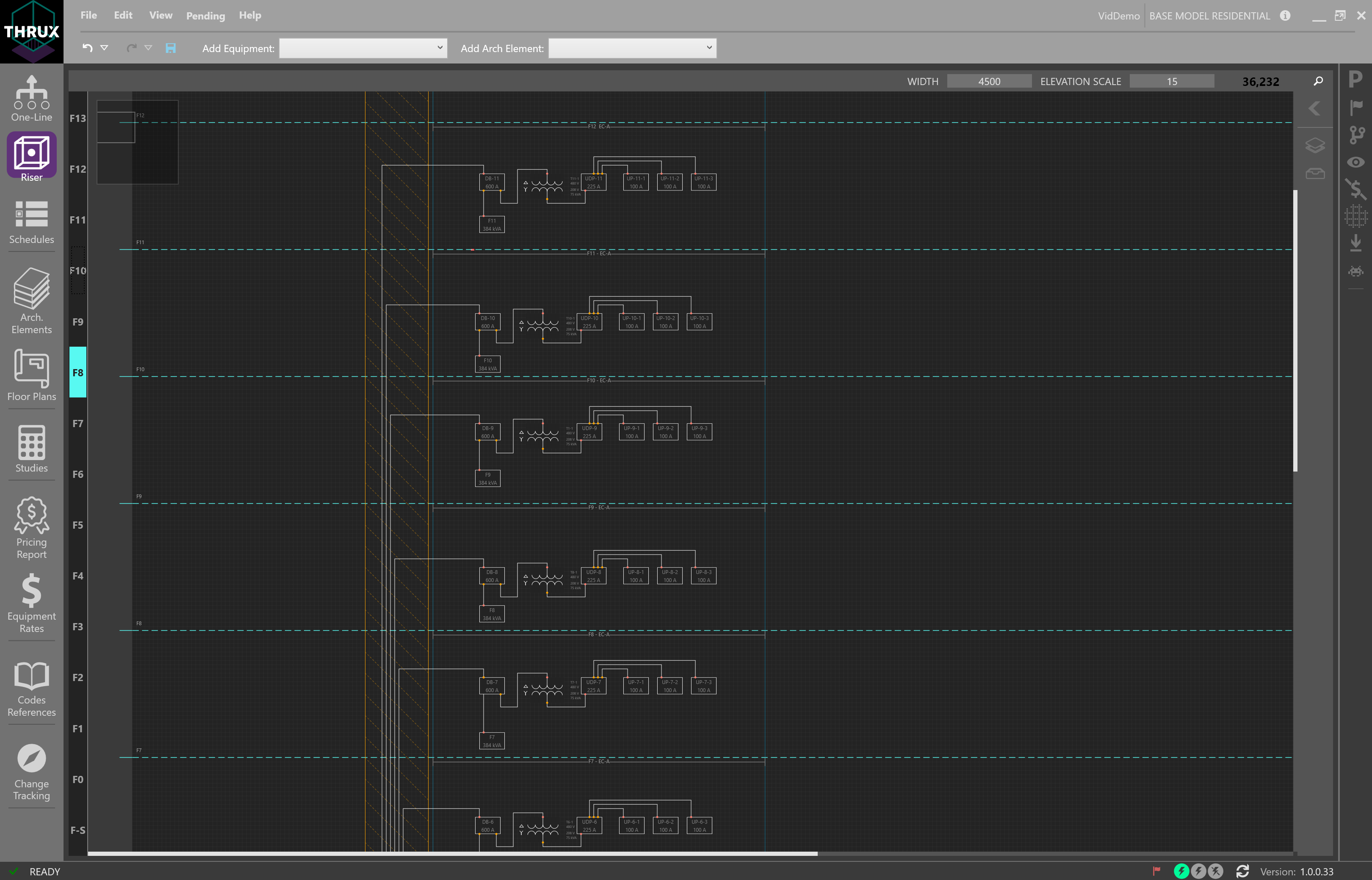
The Riser Workspace is an elevational representation of the distribution system. It is used to depict wiring routes as they disperse through a vertically scaling project.
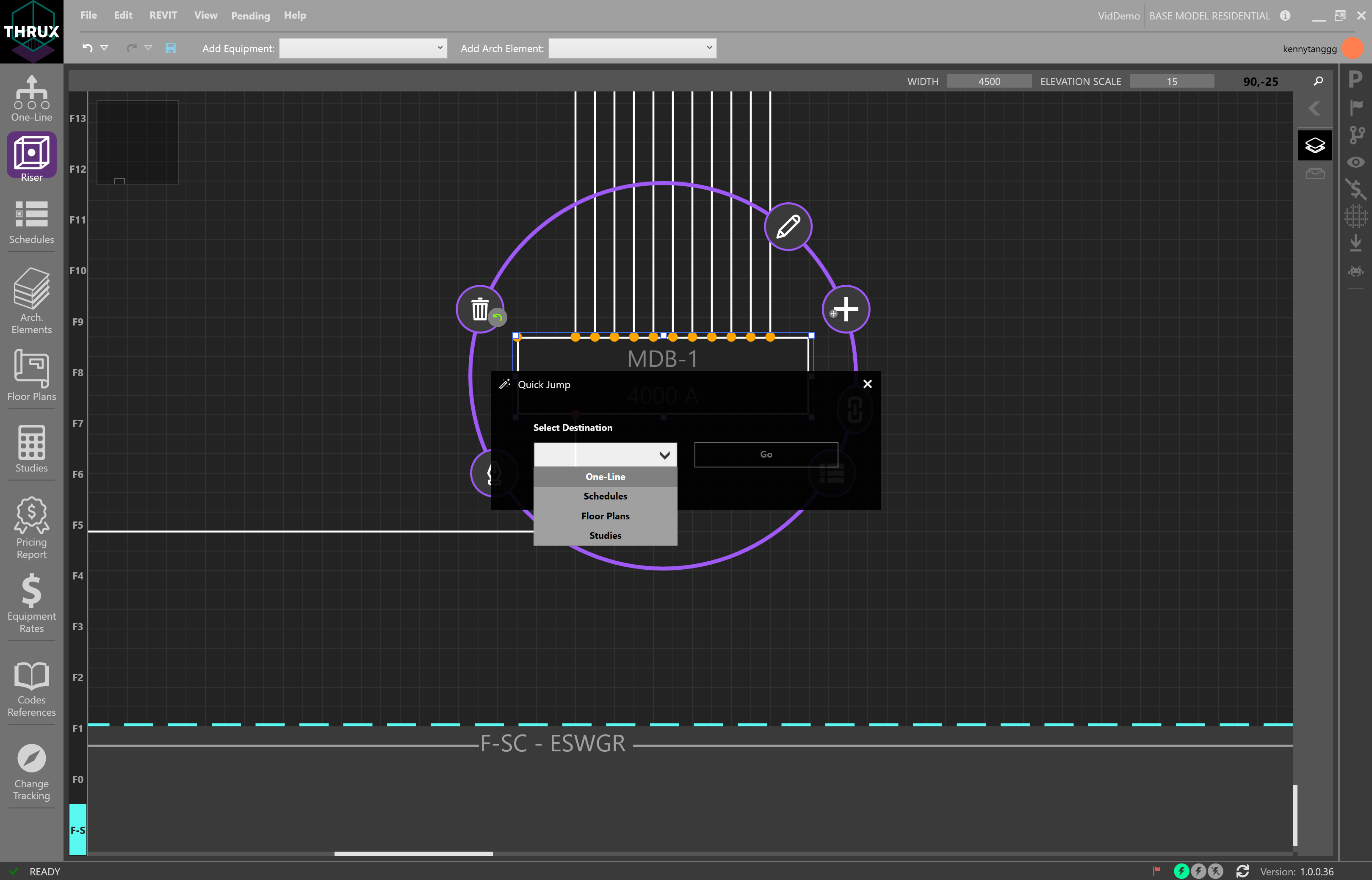
Note that the interactions between the Riser, One-Line, and Schedules are similar.
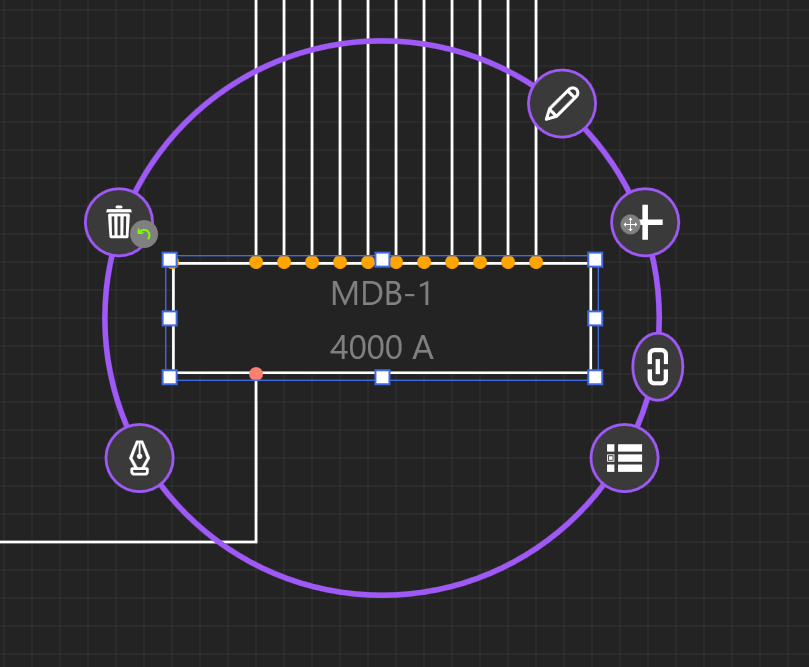
Navigation Overview
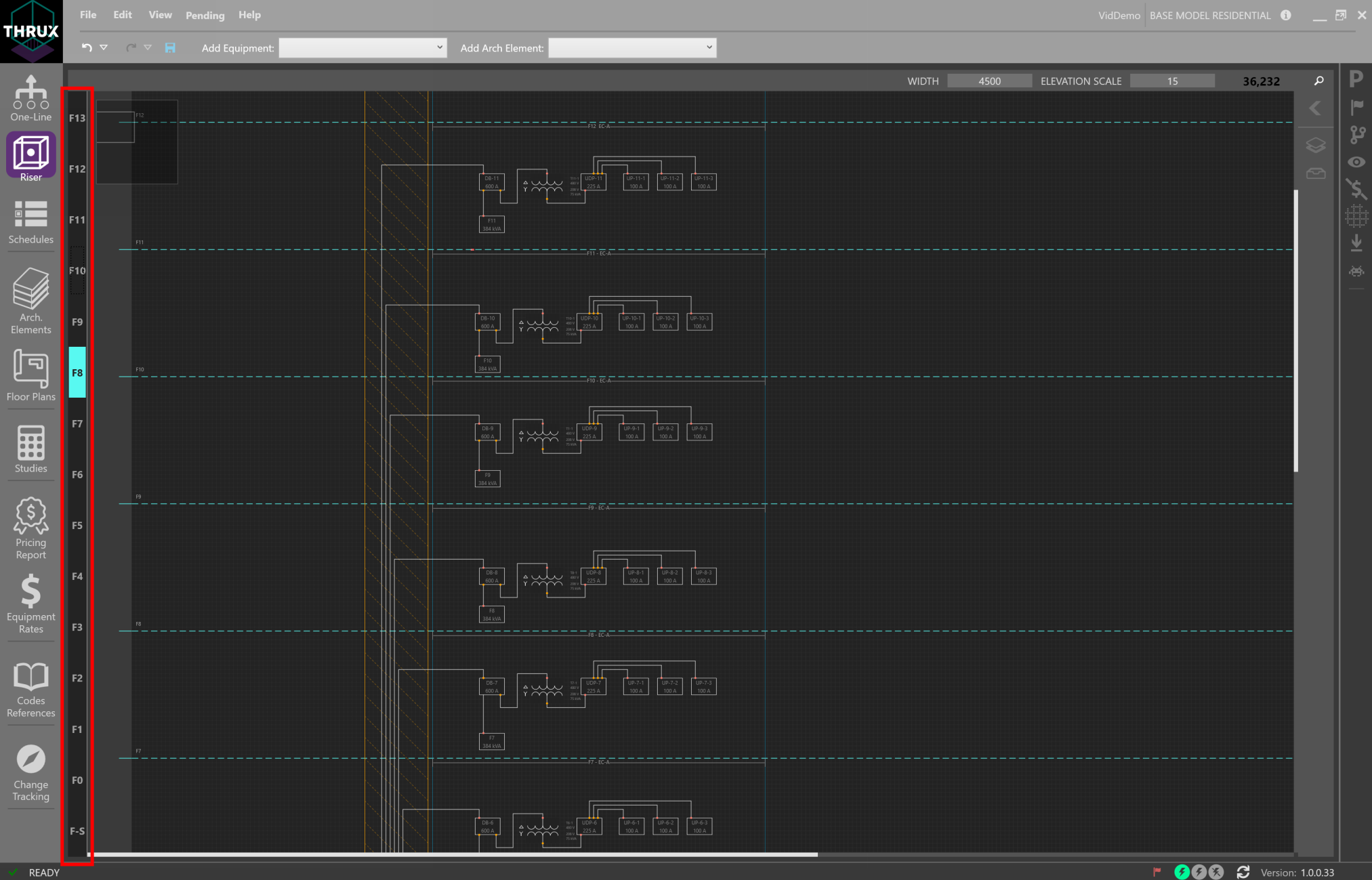
Floor Navigator
On the left, is a Floor navigator. It will track and navigate to the selected Floor, highlighted in cyan.
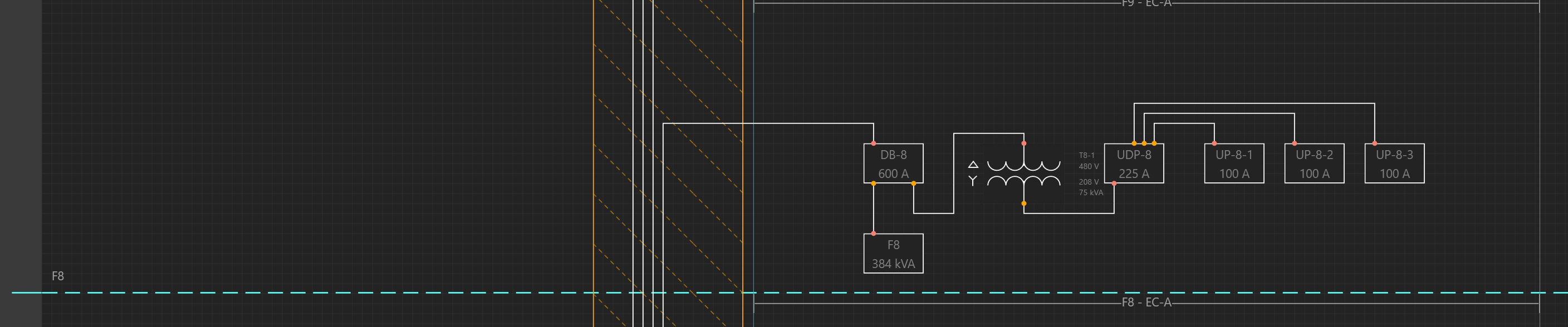
Floors are denoted by the dashed cyan regions, while Rooms are denoted by the solid cyan regions.
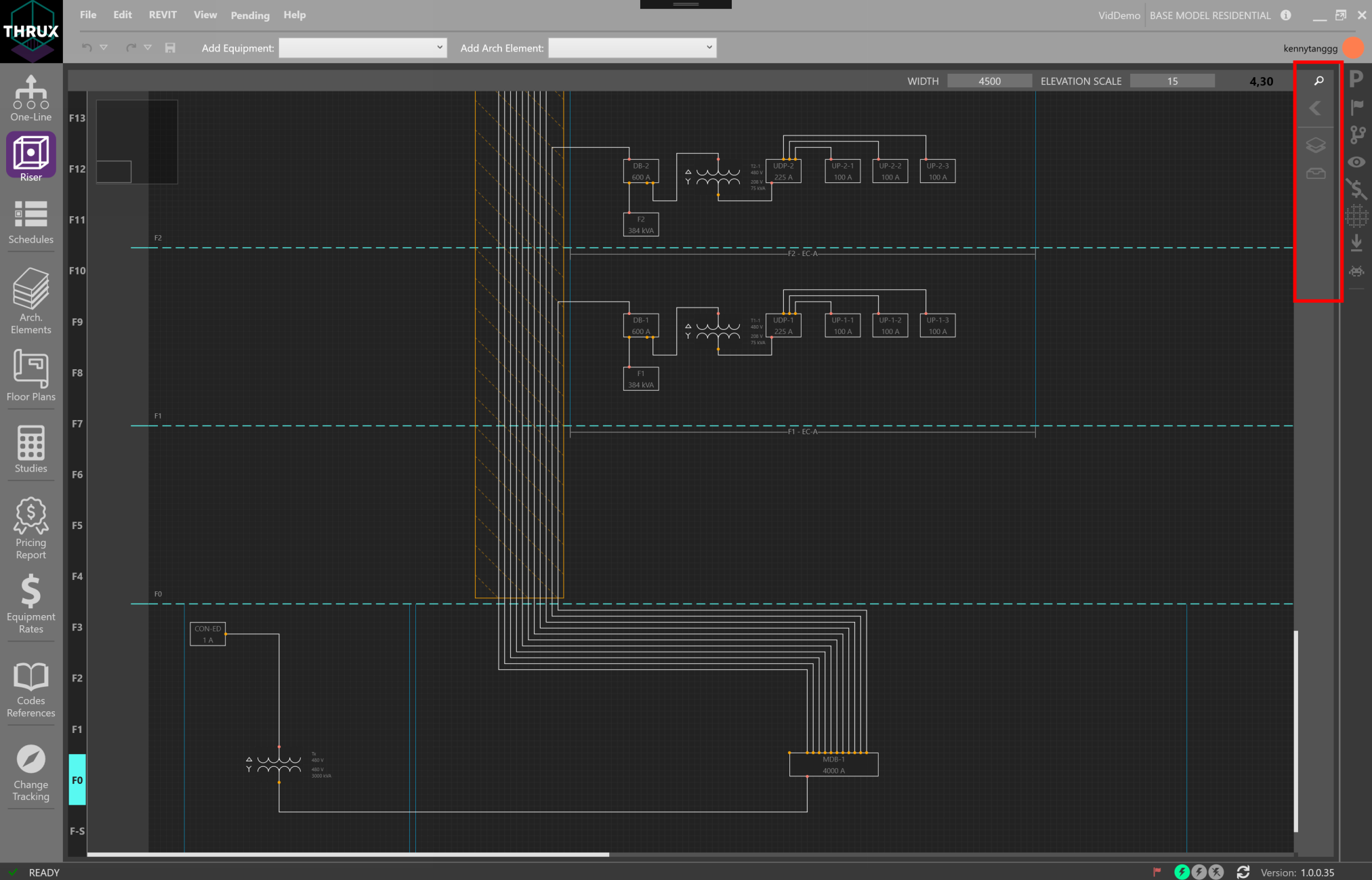
Riser Toolbox
On the right is the Riser Toolbox, which allows the designer to search for Equipment, control layers of the circuits between Equipment, and view Unhosted Equipment.
Click on the Filters button (layers icon) to open the Layers filter.
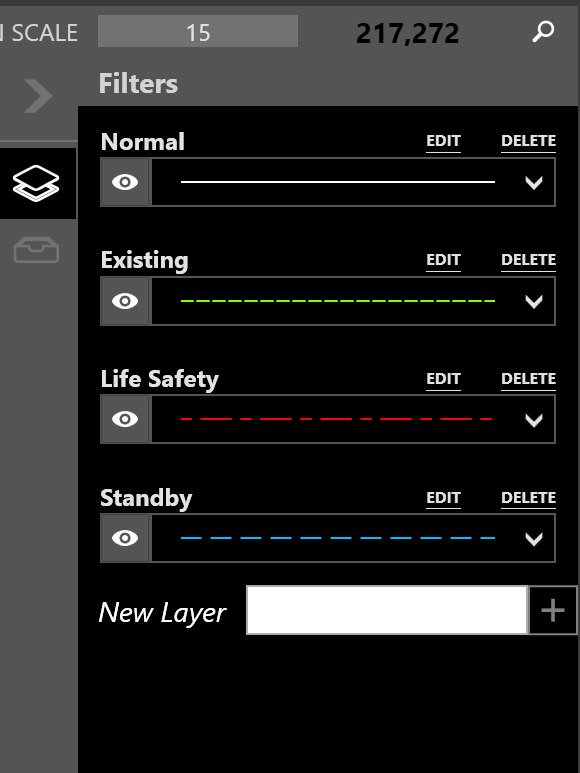
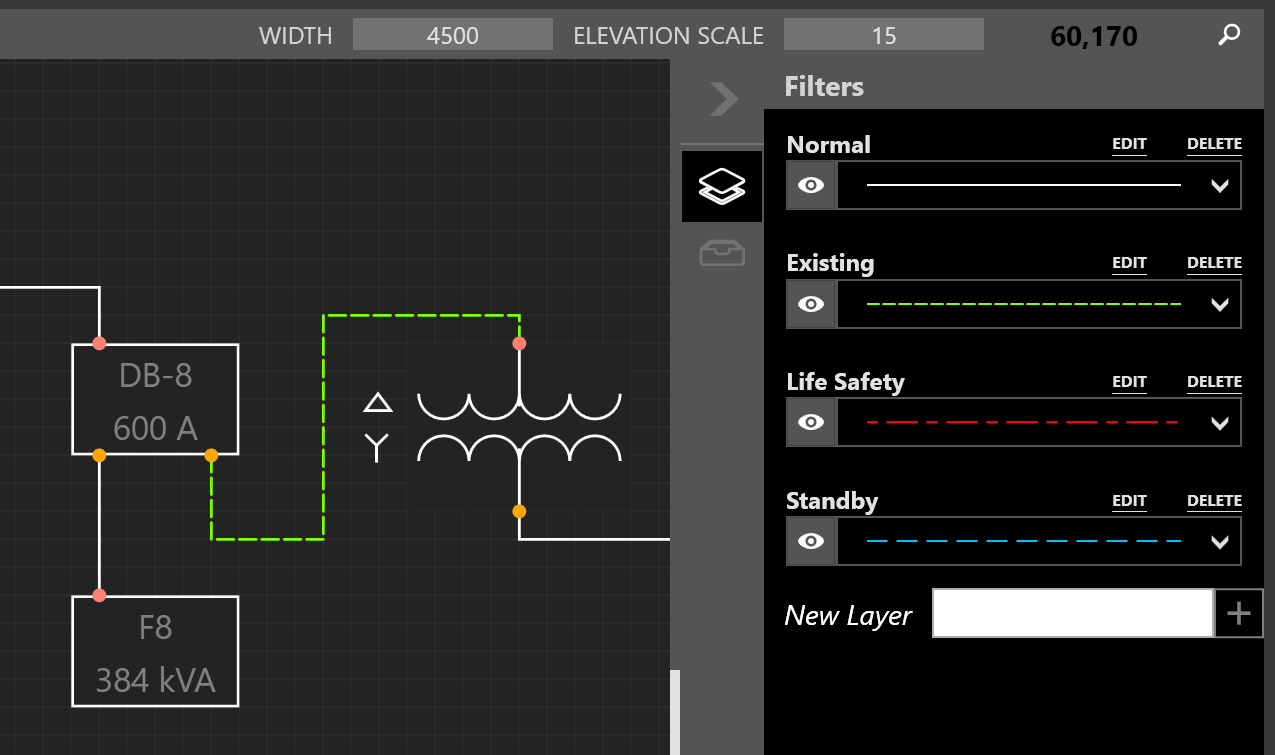
Right-click on a connection to change the layer of an Equipment and note the display.
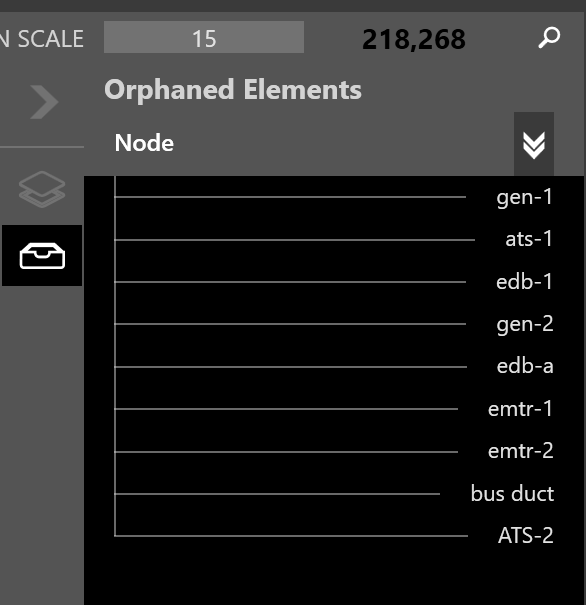
Unhosted Equipment are pieces of Equipment which do not have a Room. Drag these Equipment into Room regions to place the Equipment on the Riser.
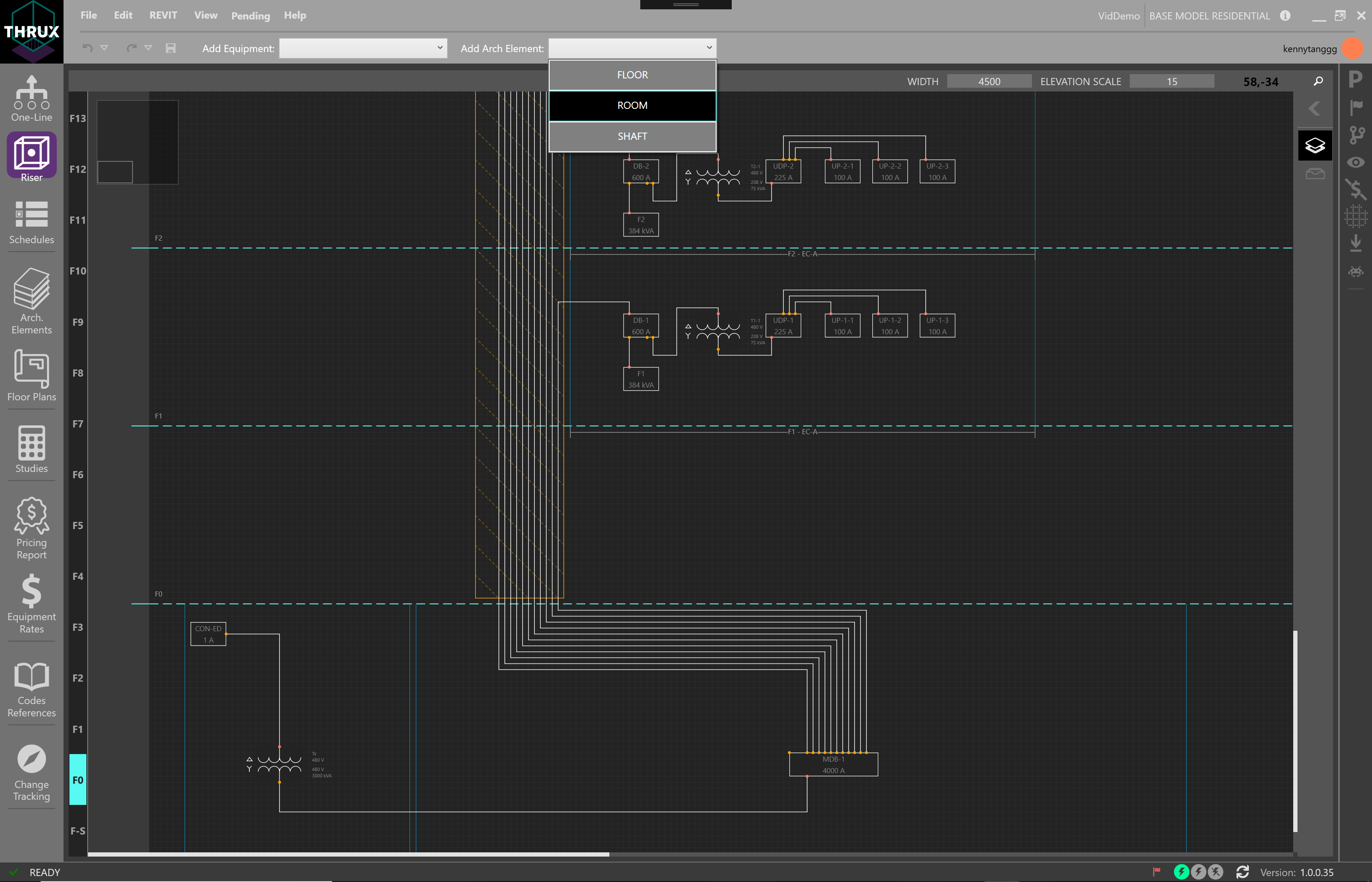
Add Architectural Elements
To add Floors, Rooms, Architectural Elements, or electrical Equipment, use the toolbox at the top.
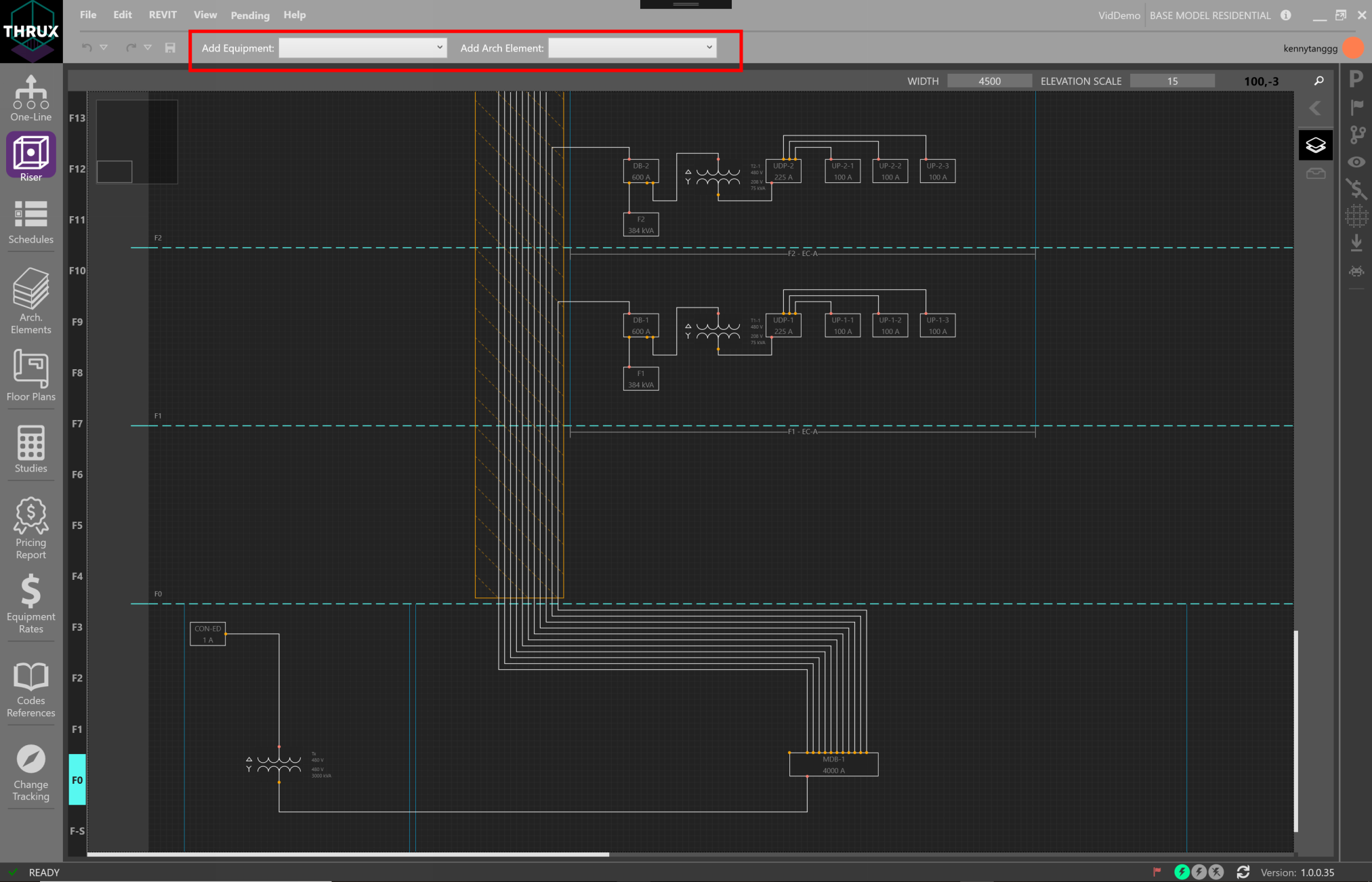
Drag and drop elements from the toolbox to the Workspace to place elements.
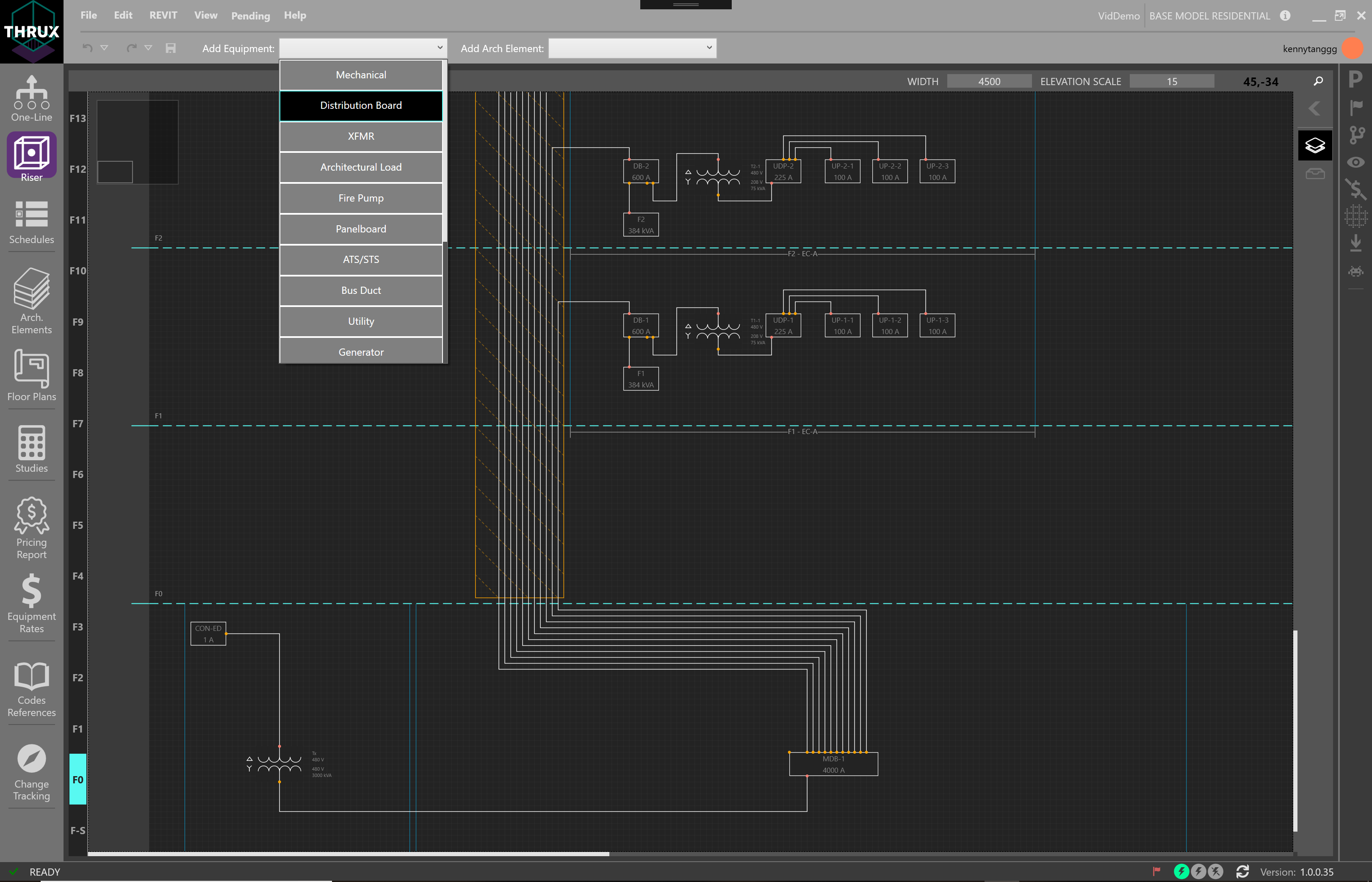
Add Electrical Equipment
To place Equipment, drag and drop elements from the toolbox into the Workspace.
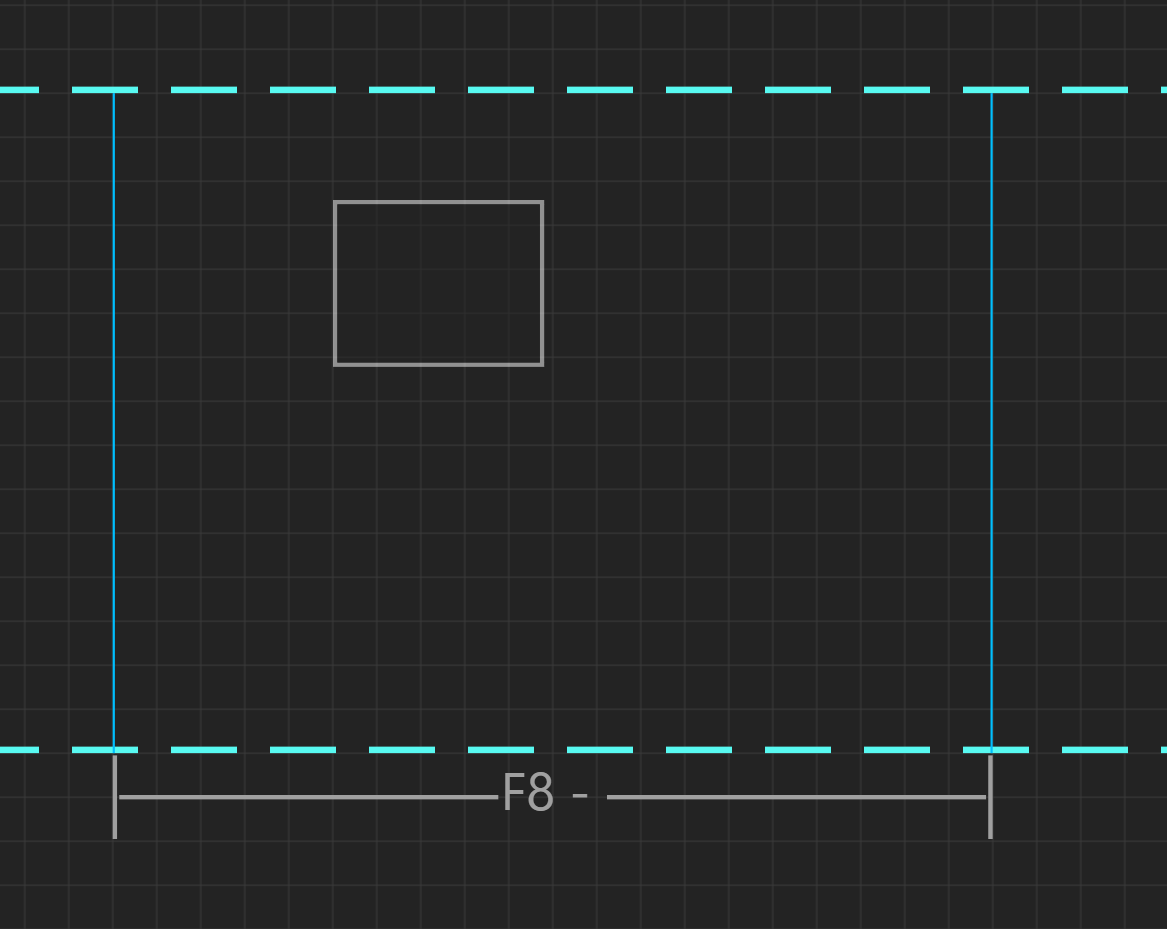
To place an Equipment in a Room, drag the Equipment into the Room region.
Connecting Equipment
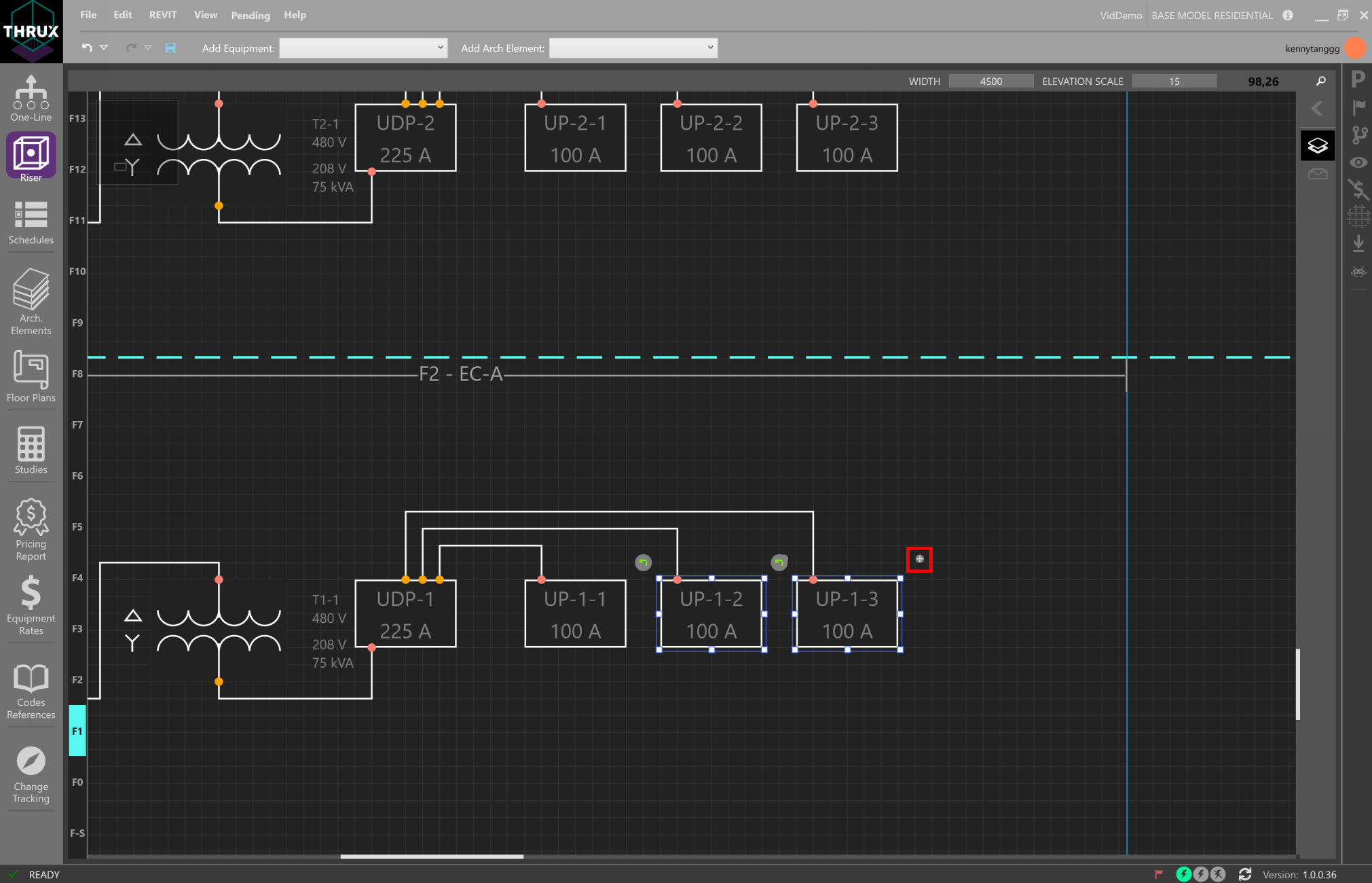
There are three different types of connections between Equipment: Outbound, Tie, and Infed. These are also known as Load, Tie, and Source, respectively.
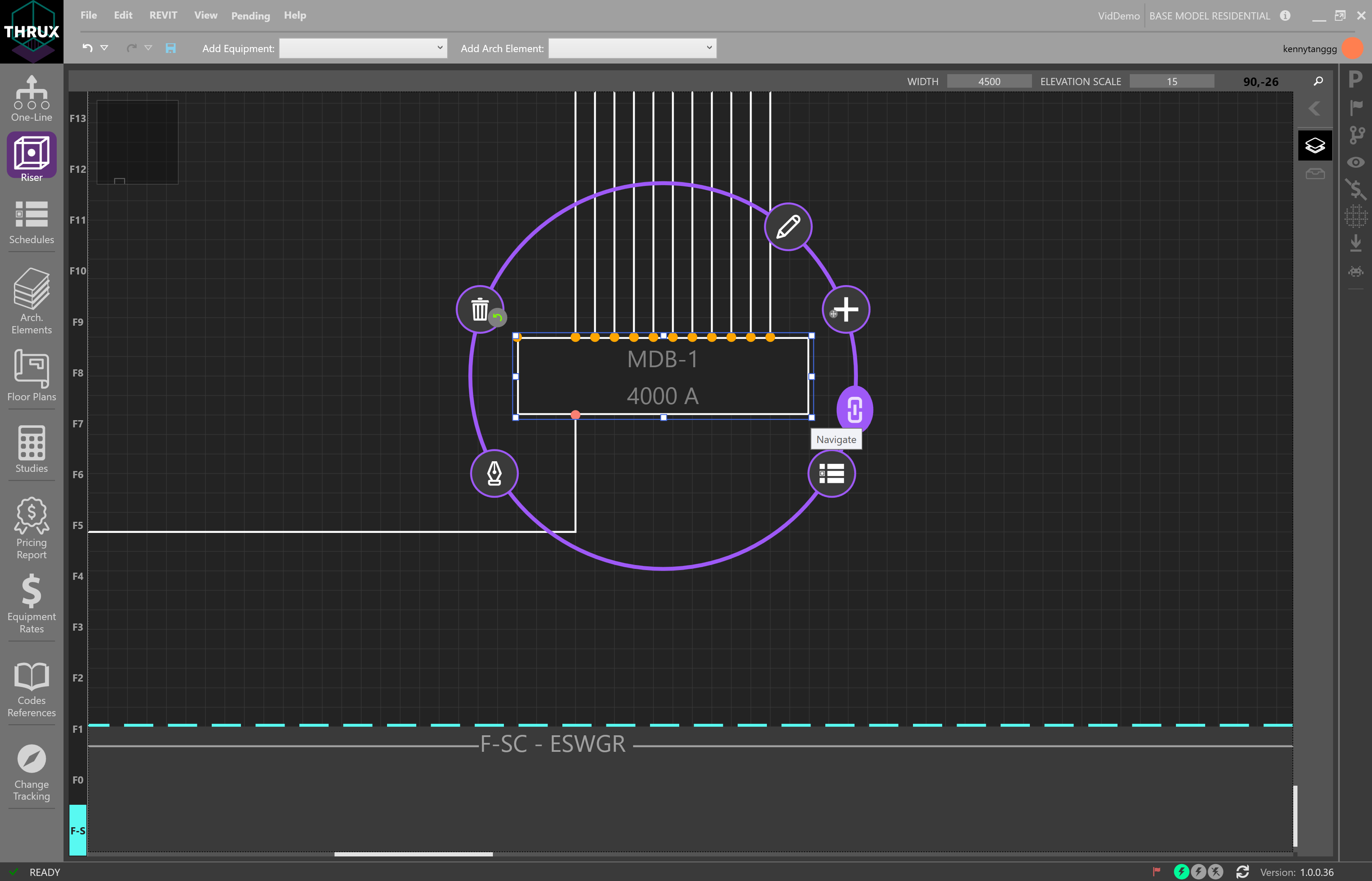
To create a connection between Equipment, select the Equipment. Then choose Create Connection.
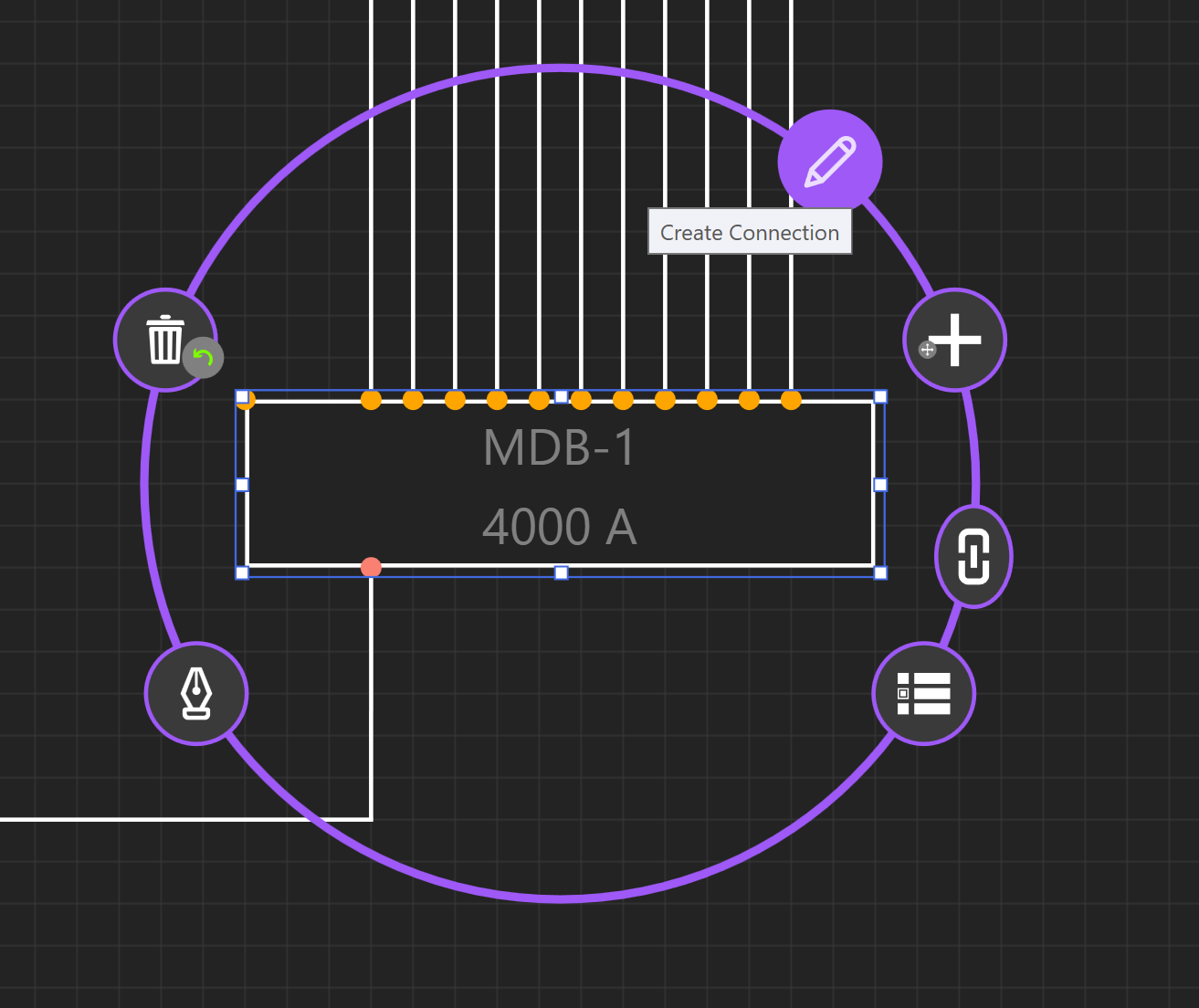
Then choose Outbound connection. This will create a new circuit from the Equipment to the load.
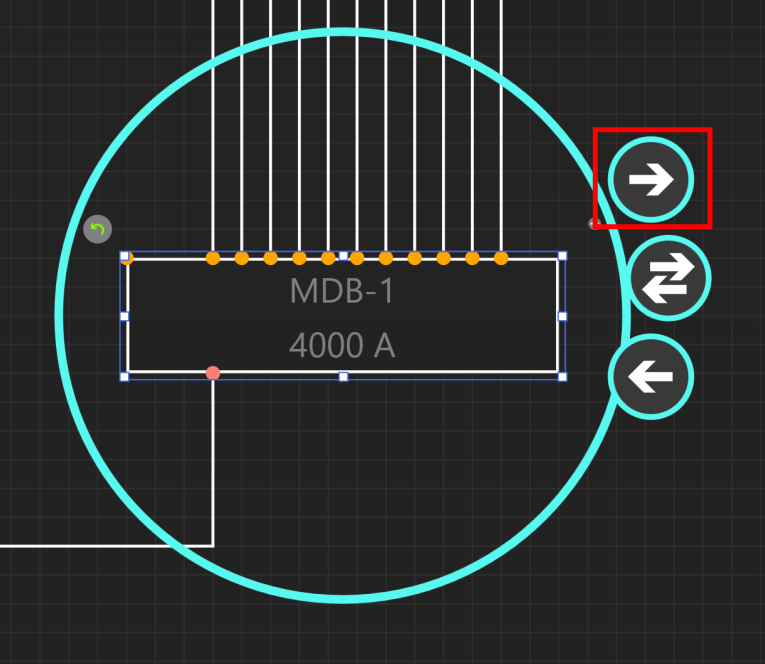
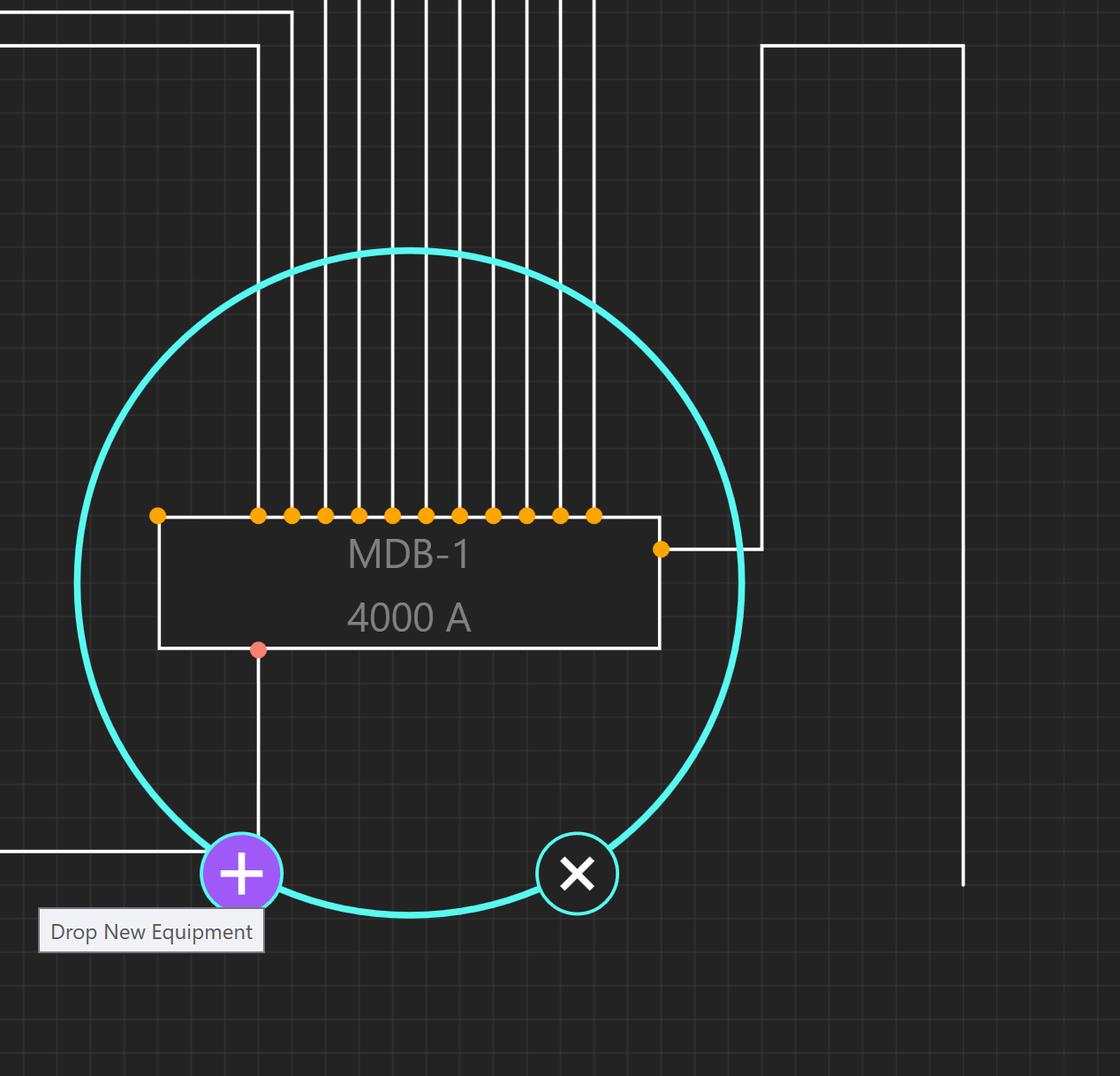
Draw out the connection using the mouse, and choose Drop New Equipment.
Click the + button for Drop New Equipment.
Moving Equipment
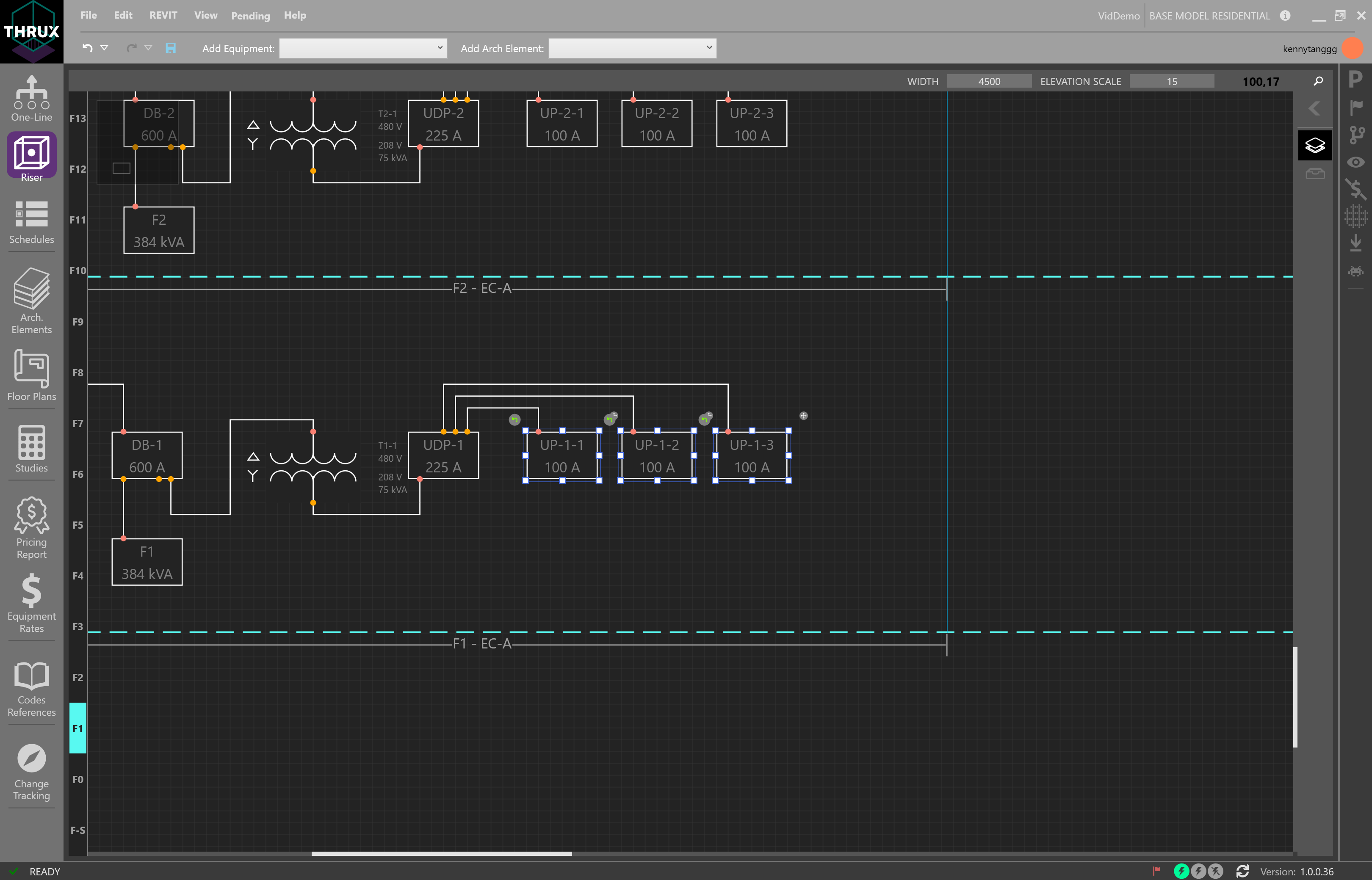
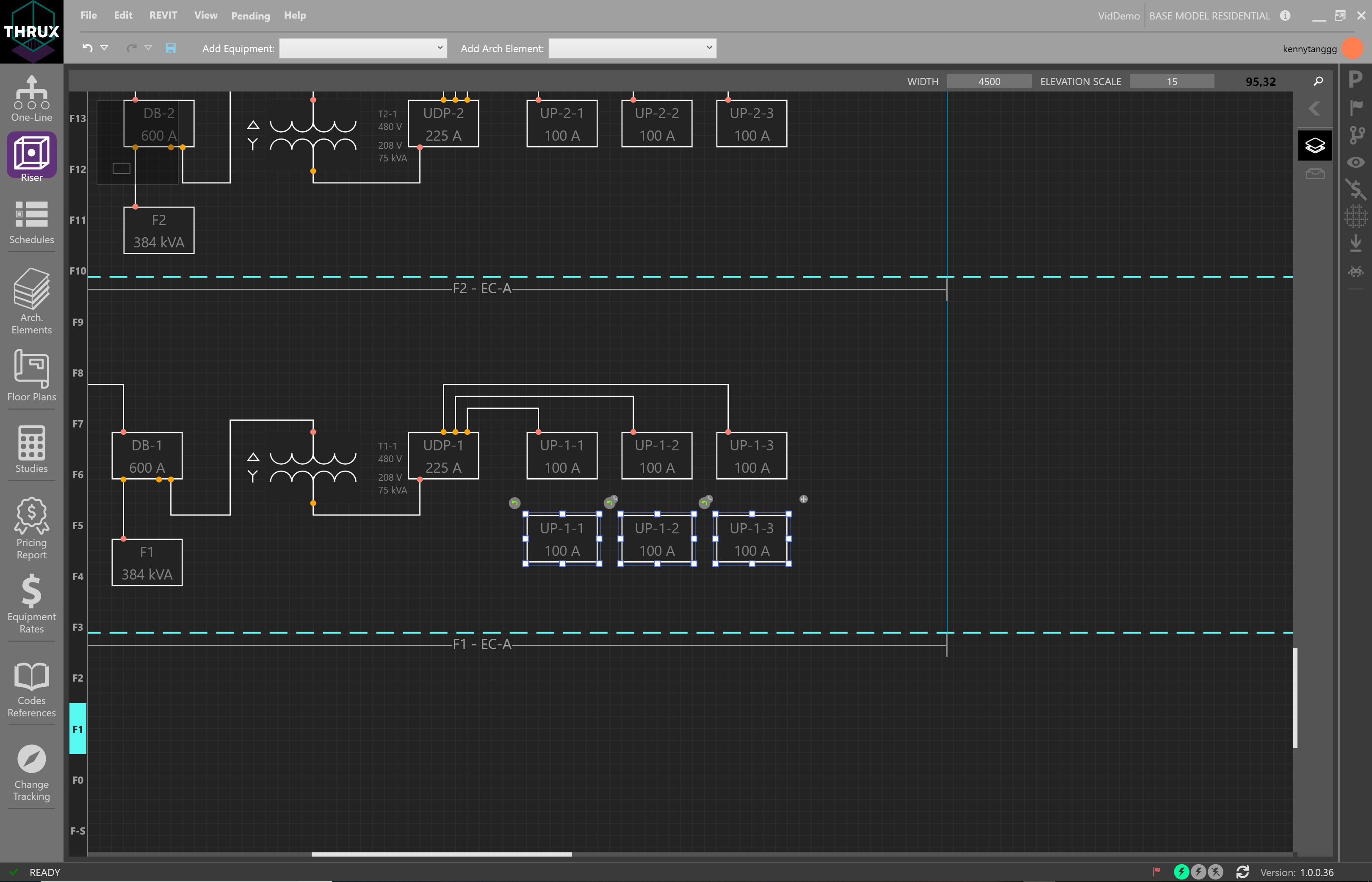
It is possible to move Equipment by an individual or a group basis.
Select a single Equipment or select multiple by using CTRL+Click, or drag and drop a selection box.
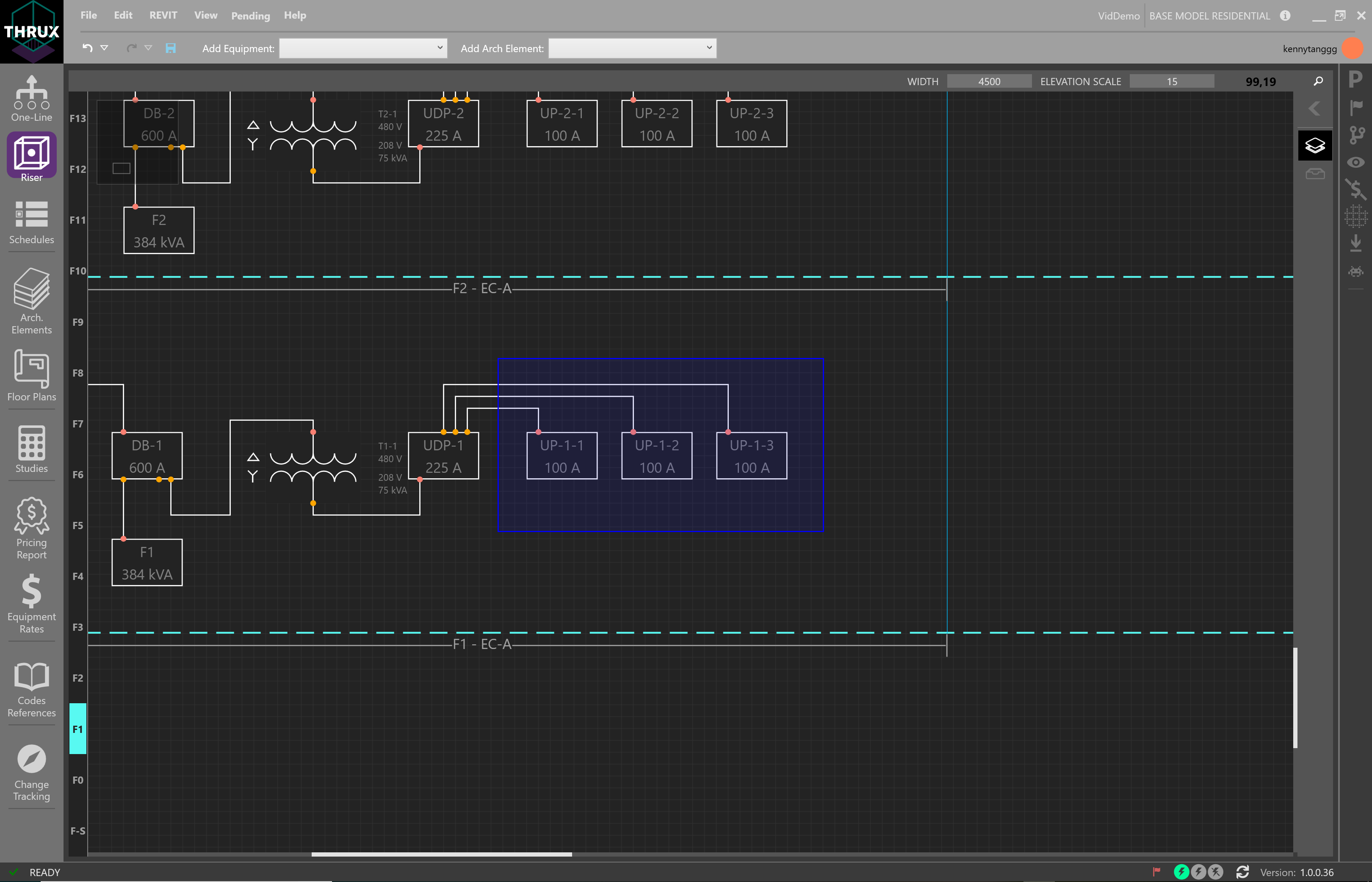
Then drag the grip to shift Equipment Room locations.