Flag Tracker
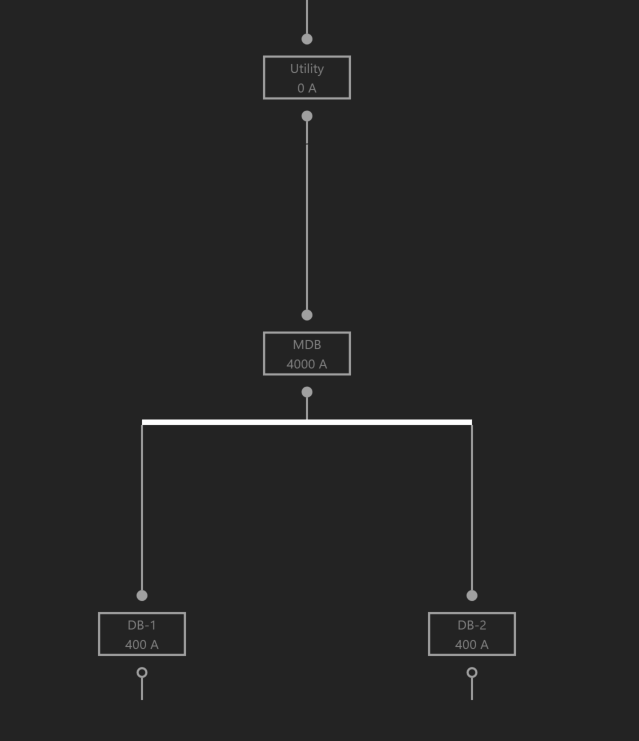
Below is a small example showing a Utility source, and a main Distribution Board which feeds downstream Distribution Boards.
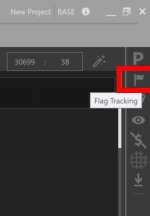
Open the Flag Tracker by clicking on the Flag Tracker icon located on the right sidebar. Note that the current list of Flags is empty.
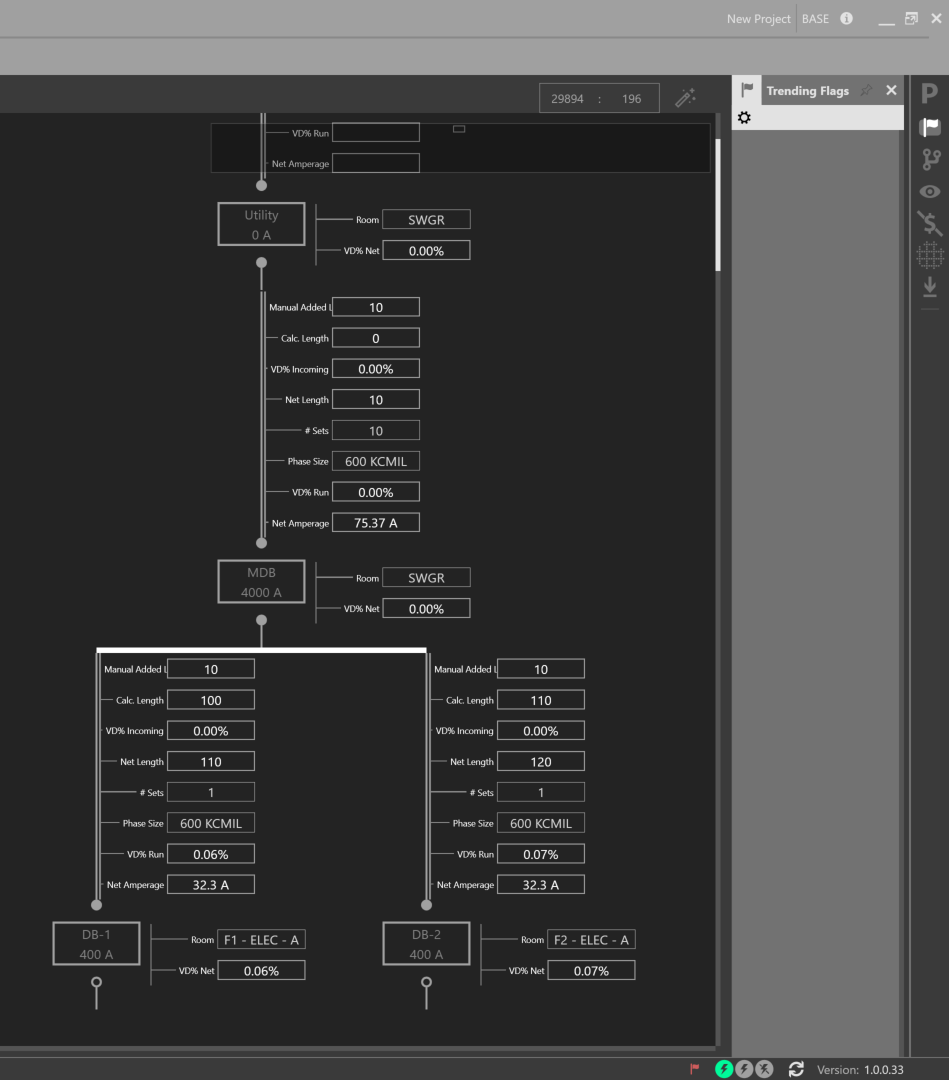
Enable the Quick View for Voltage Drop and the Property Tags for Calculated Length and Manual Added Length.
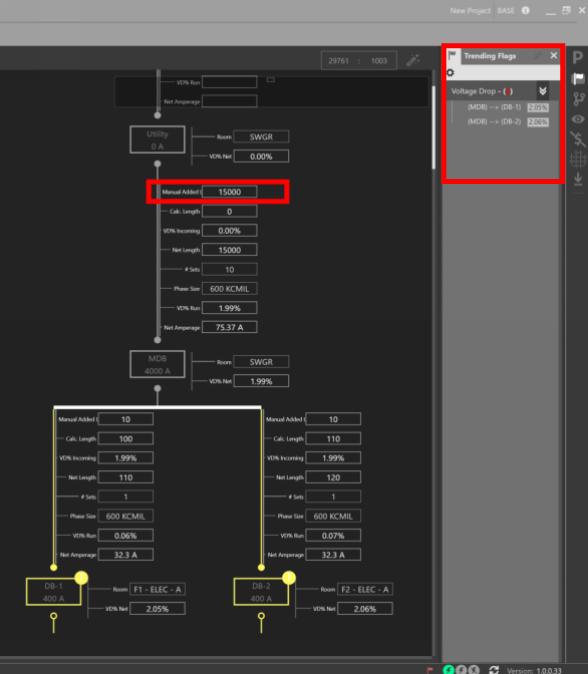
Increase the Manual Added Length to 15000 for the circuit feeding the MDB Distribution Board and note the list of current Flags.