Branching
Designers are often tasked to study different options in order to determine the best option for the Owner. The Issuance Log is a tool which allows the designer to create Branches of their model.
The initial Base scheme is also known as the Base Issuance, and should be the primary working Branch. If a designer is asked to study an alternative option, create a Branch. Designers can switch between Branches as necessary.
To create a Branch, open the Issuance Log on the right sidebar.
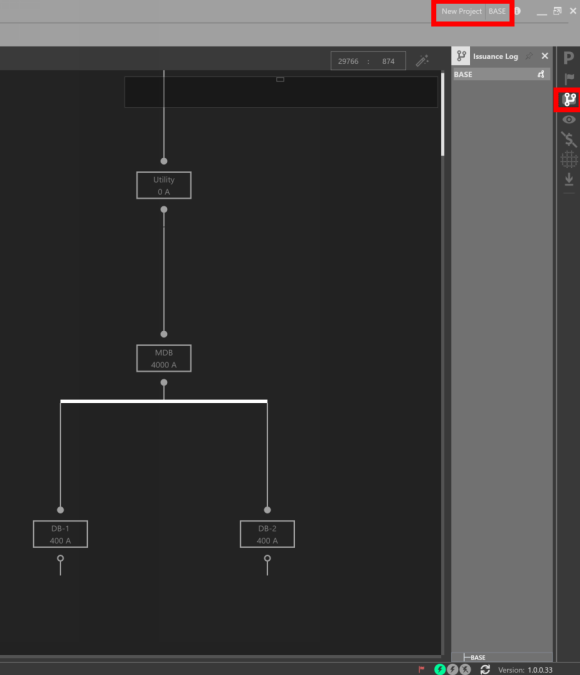
The Active Issuance is displayed in the top right of the application
Click the Branch symbol, give the Branch a name, and click on Create. It is possible to create a Branch off of the current working model, or off of the last saved model. By default, a Branch will be created off of the current working model.
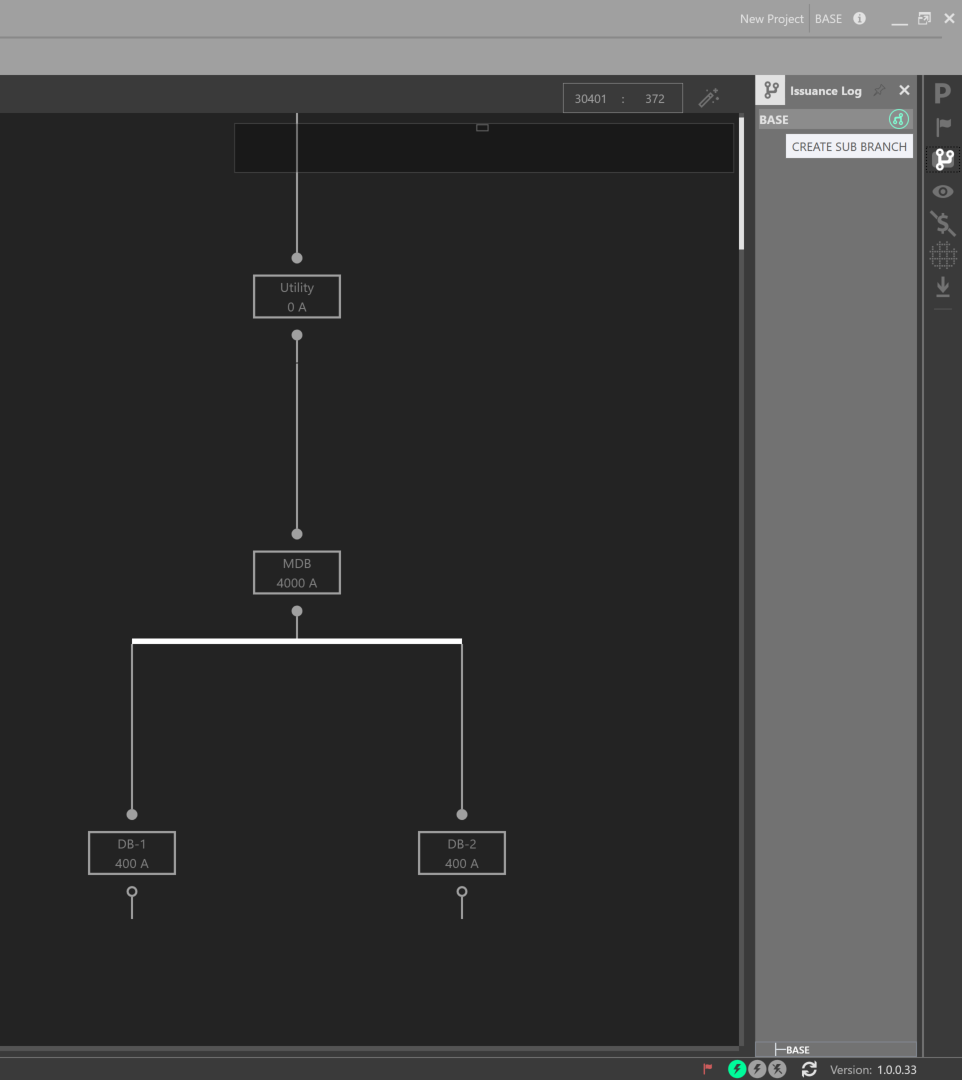
Creating a Branch off of the Base Branch
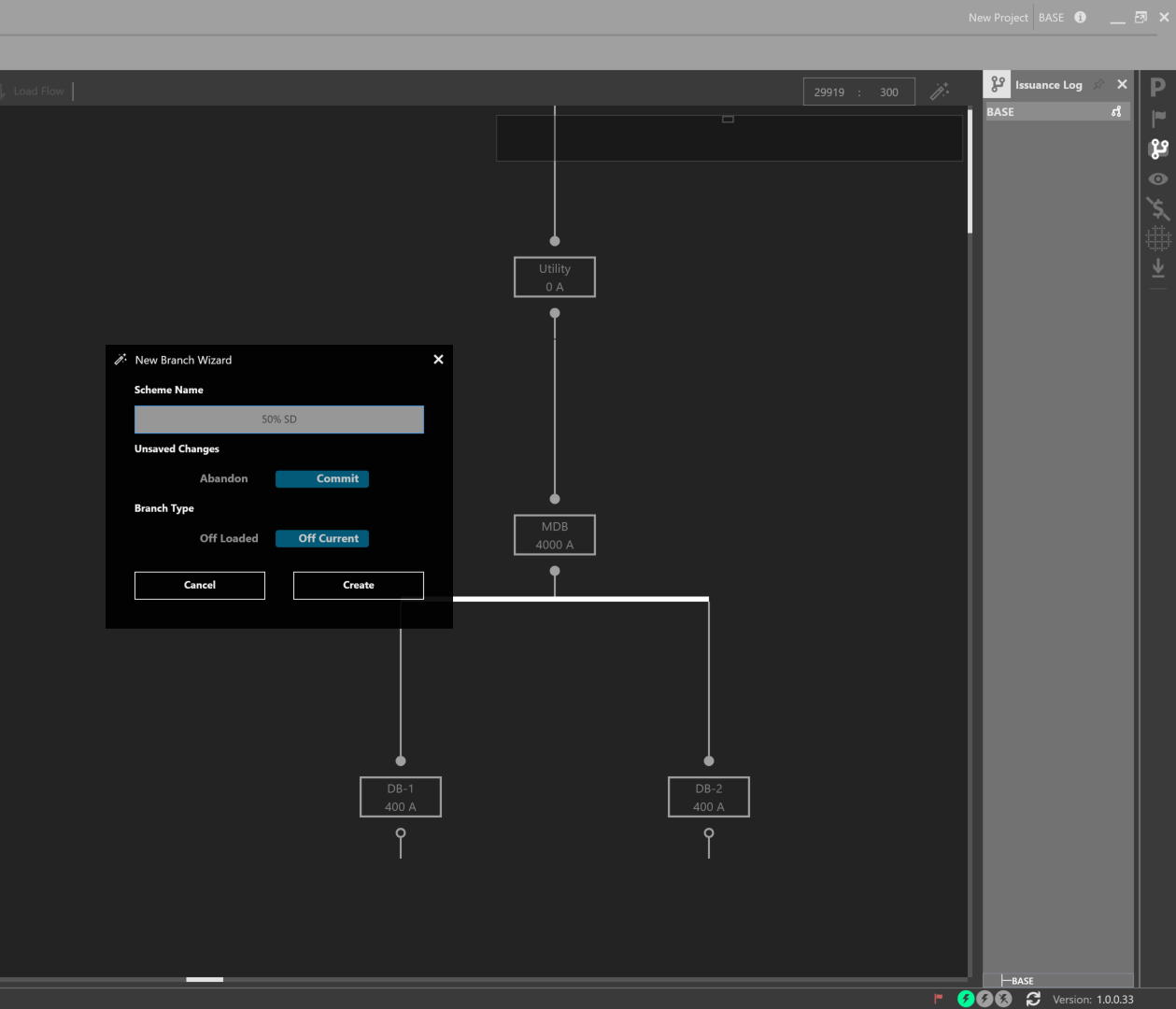
Using the New Branch Wizard
Swap between Branches by clicking the arrow symbols. The current Branch is noted in the top right navigation bar. A Branching map is displayed at the bottom of the Issuance Log. Note the differences between the two One-Lines of each Branch.
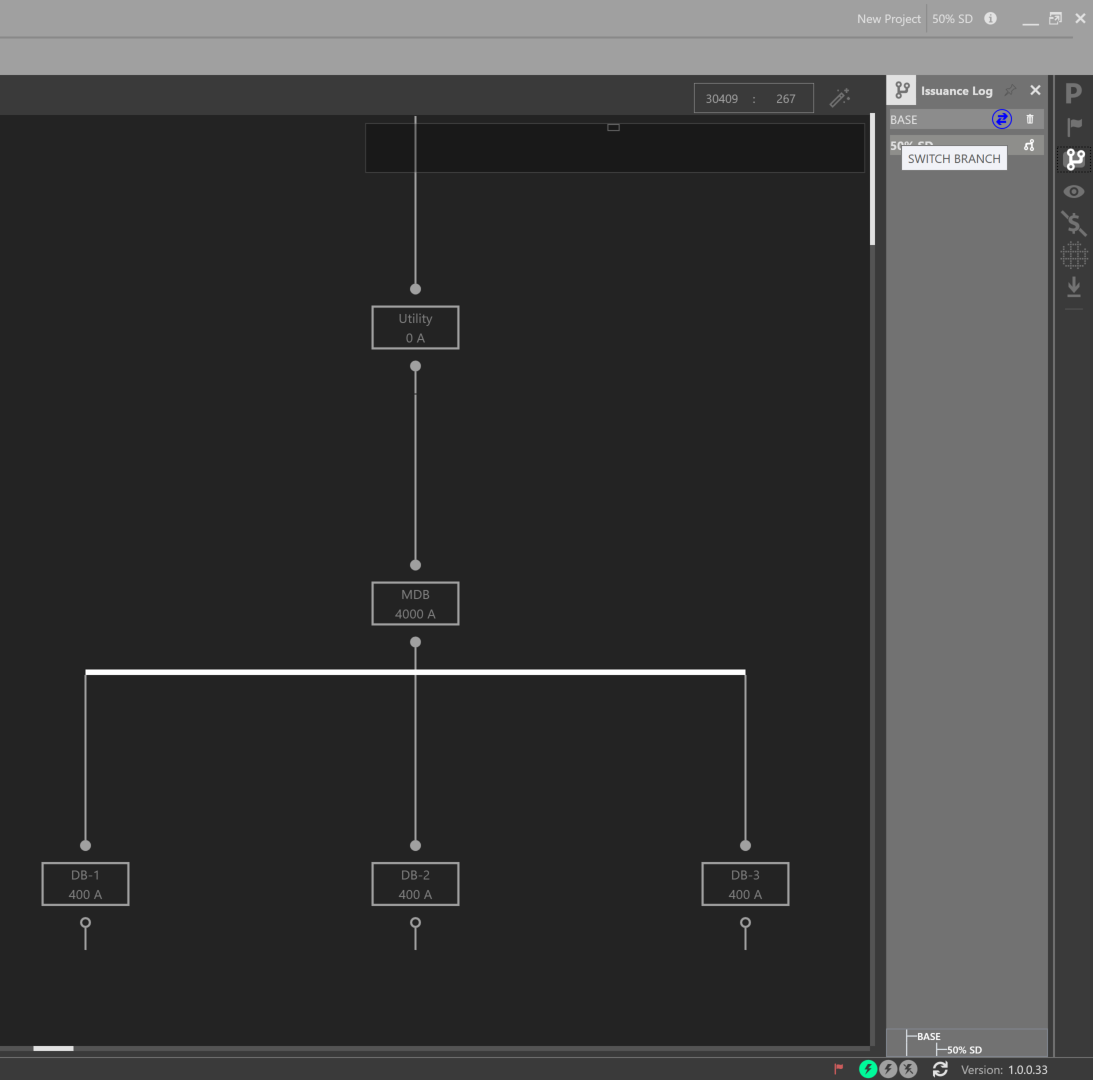
Switching between Branches
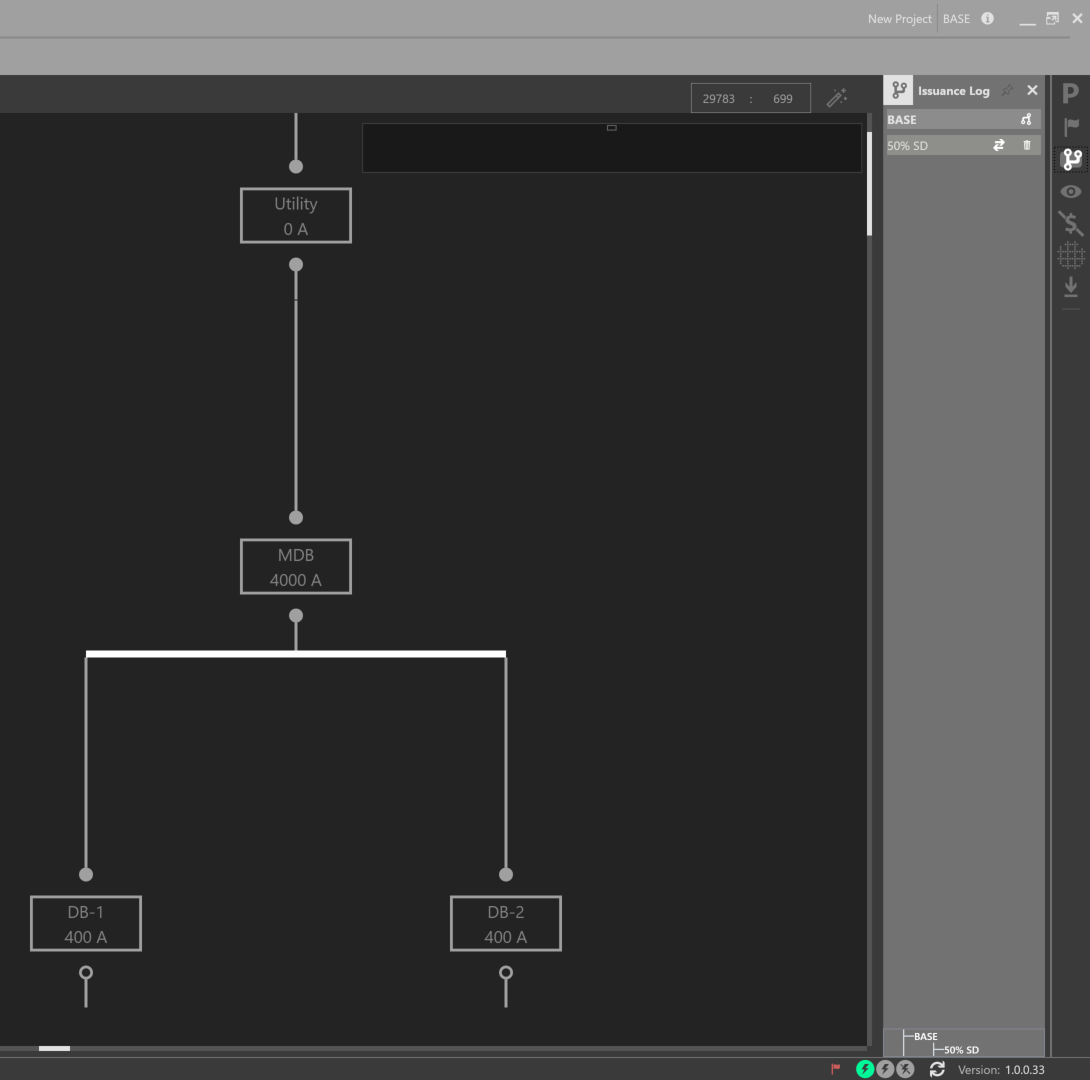
Switching between Branches
In addition, designers can compare changes between Branches, by using the Change Tracking Workspace.